
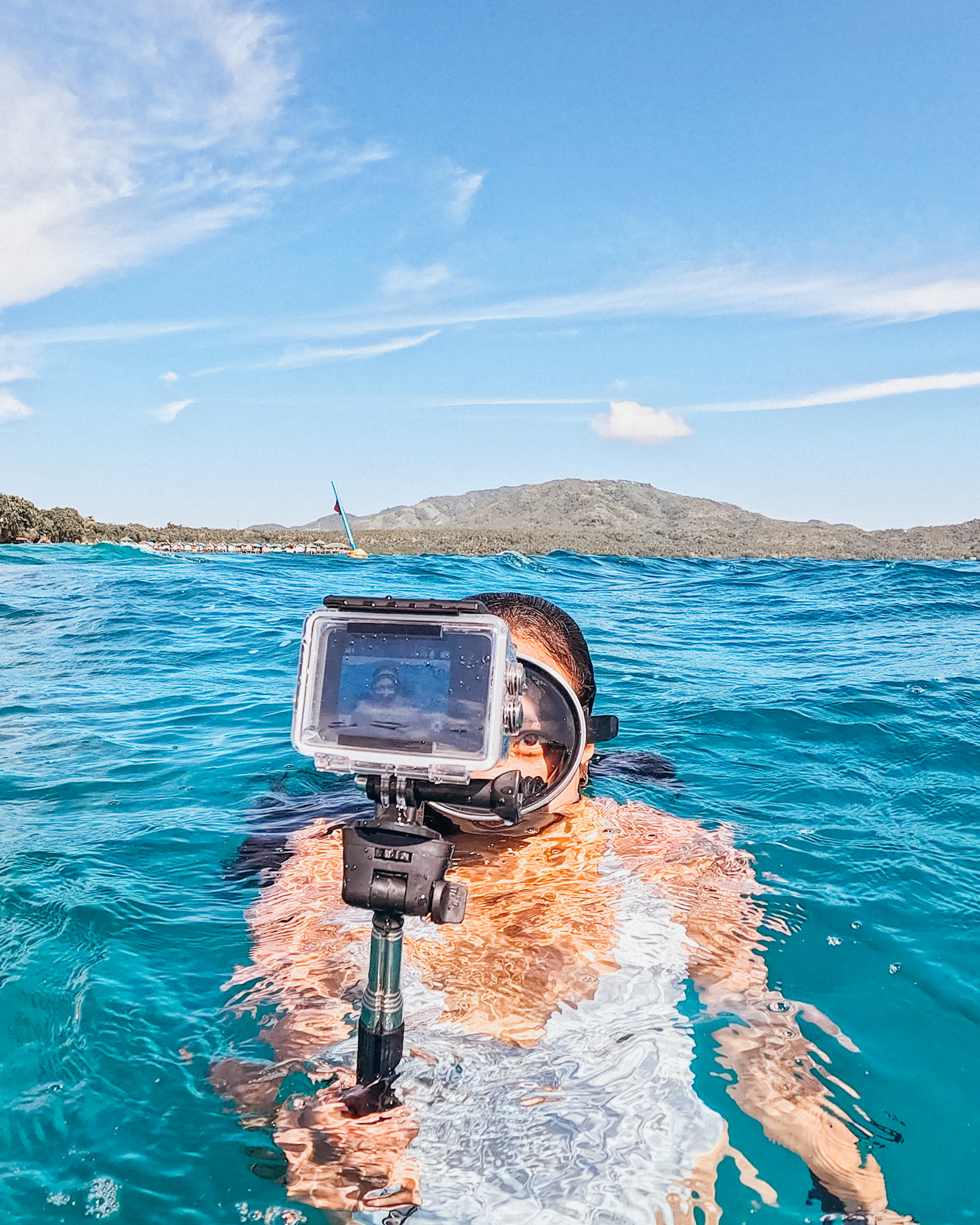
I like having a small camera with me when I travel. You never really know when you’ll want to capture silly little moments that you know you’ll want to remember later. That’s exactly how I approached the LUMOS DOMINATE action camera.
LUMOS DOMINATE is an affordable action camera designed for casual use and everyday adventures. It comes with a pretty impressive list of features for its price, so instead of just testing it around the house, I decided to bring it with me on a weekend adventure in Mati, Davao Oriental.
And because apparently I can’t visit one destination without trying to squeeze in every outdoor activity possible, I took it freediving, surfing, and hiking.
By the way, this blog post is in collaboration with LUMOS PH, who provided the LUMOS DOMINATE action camera for me to test on my adventures. I’m sharing my experience using it in my typical outdoor days, so you can get an idea of what it’s like beyond the specifications.
So, how did this little camera hold up?
LUMOS DOMINATE Action Camera: Quick Overview
First, let’s talk about what’s inside the LUMOS DOMINATE action camera.
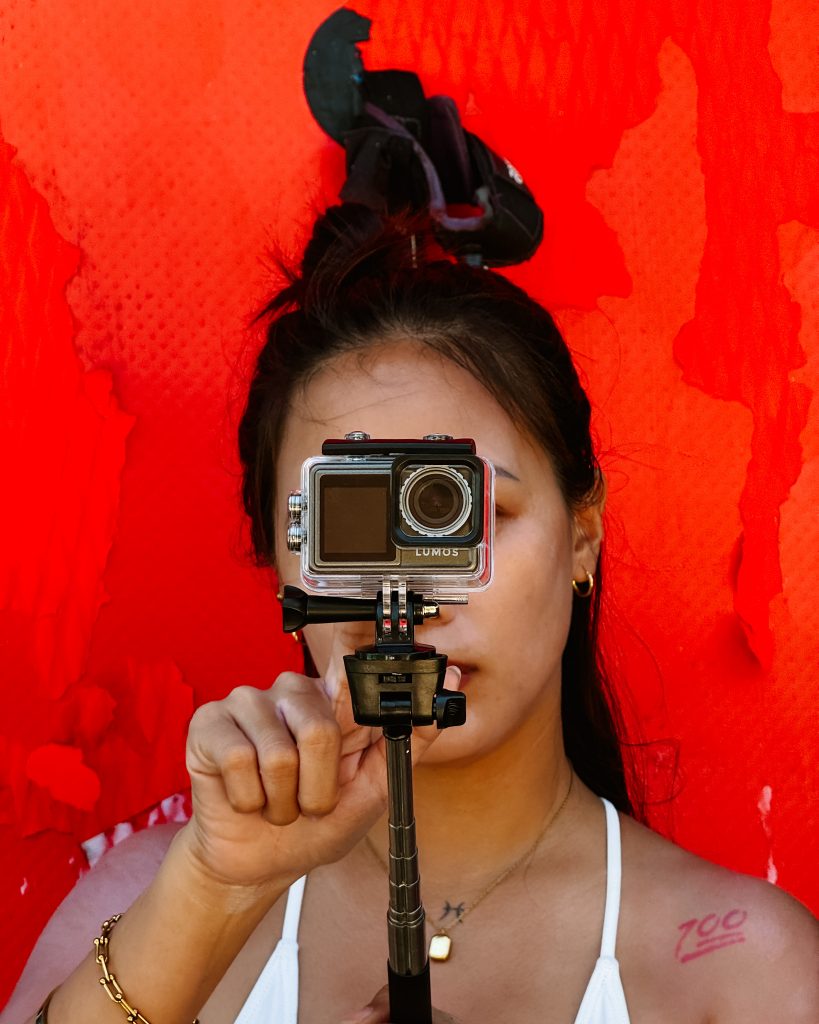
One important distinction to mention is that LUMOS DOMINATE is a beginner-friendly action camera and not a professional camera replacement.
Not everyone needs to spend ₱10,000+ on an action camera just to document their weekend trips, hikes, beach days, or occasional underwater adventures.
Here are some of the features you’ll get with the LUMOS DOMINATE:
- 5K Ultra HD video at 30FPS
- 4K video at 60FPS
- Built-In EIS Stabilization
- 170° wide-angle lens
- Multiple shooting modes: Normal, Slow-Mo, Loop, and Time Lapse
- Dual Screens (Front + Back)
- Waterproof Case Included
- Long Battery Life
- USB-C charging
- Wi-Fi file transfer to your phone
- Vertical shooting
- Built-in microphone
- 1-year local warranty
And yes, that’s quite a lot for an action camera in this price range. But specifications are one thing. I wanted to see how it actually feels to use one when you’re outdoors and moving around.
So, I took it to Mati.
What's Included in the LUMOS DOMINATE Travel Bundle?
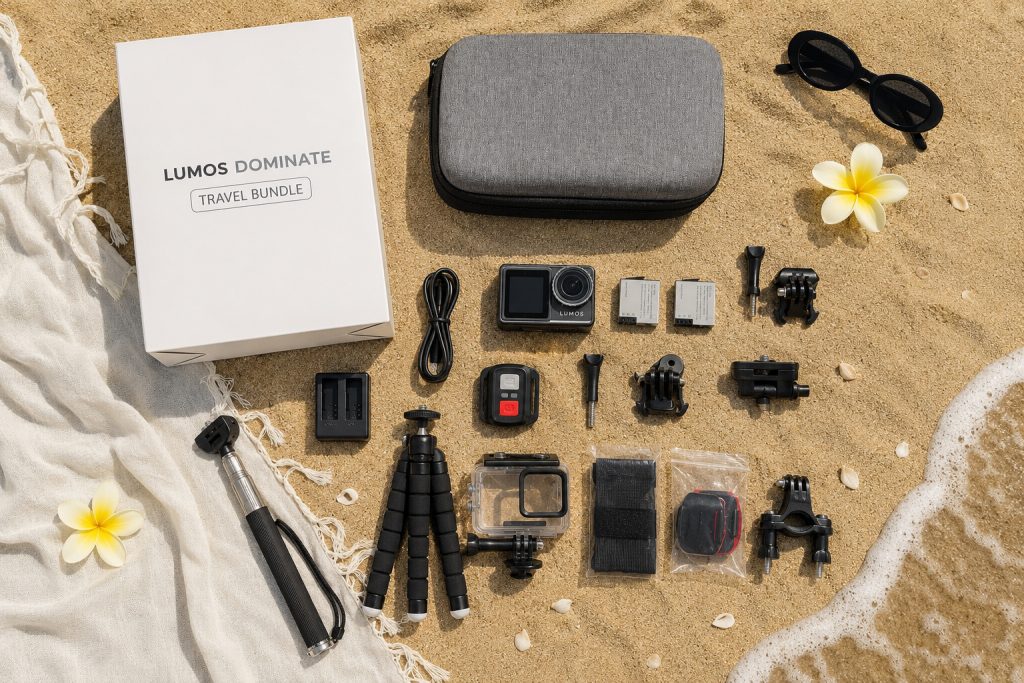
One thing I immediately liked about the travel bundle is that it comes with a hard carrying case. As someone who travels with way too many little accessories, I appreciate anything that keeps everything together.
The travel bundle comes with:
- Hard Carrying Case
- Selfie Stick / Extension Pole
- Rechargeable Batteries x 2
- Dual-Battery Charging Dock
- Flexible Mini Tripod
- DOMINATE Action Camera + Waterproof Case
- Wireless Remote
- USB-C Cable
- Mounting Screws ×2
- Quick-Release Buckle
- Bike Mount
- Straps
- Tripod Adapter
- Waterproof Case Joint Mount
- Flat Mounts ×2
- Adhesive Pads ×2
If you’re buying your first action camera, I think having the accessories included is a pretty big plus. You can basically start experimenting with different setups without immediately having to buy a bunch of additional mounts and accessories.
And now, let’s take it outdoors.
LUMOS DOMINATE for Freediving
Freediving is probably the activity I was most excited to test the DOMINATE with.
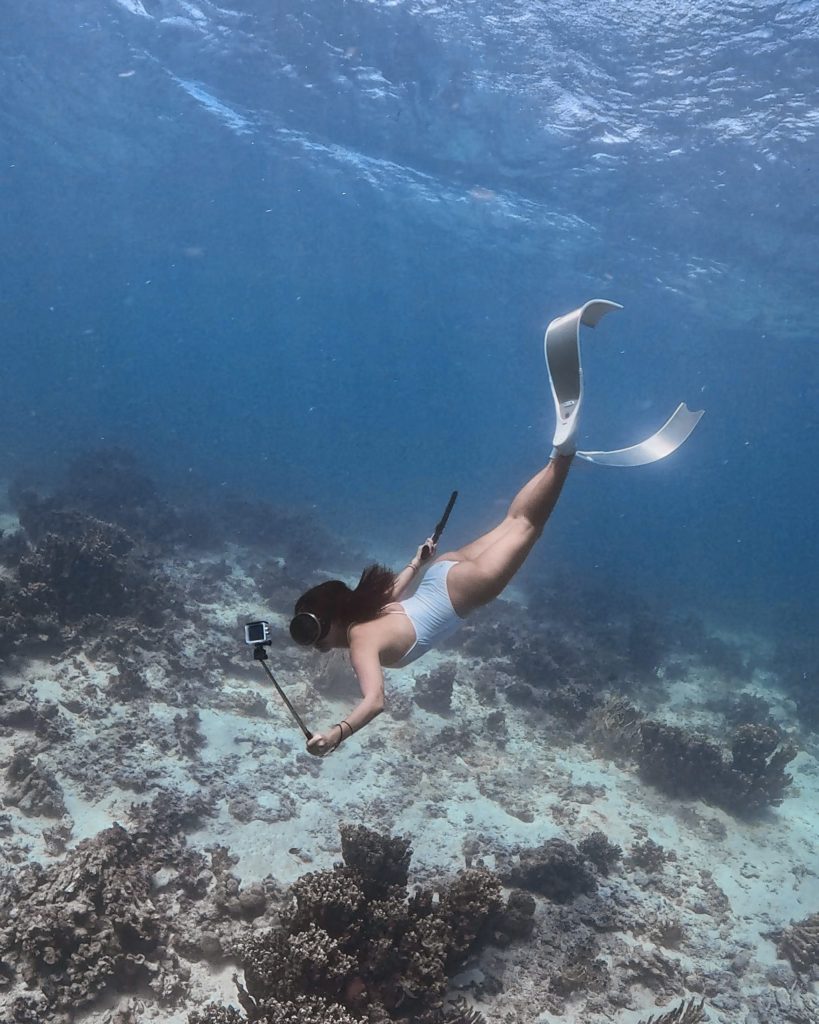
The 4K 60FPS Underwater
I wanted to see how the LUMOS DOMINATE handles high-resolution video underwater, so I set it to 4K at 60FPS. My settings were pretty straightforward:
- Resolution: 4K
- Frame rate: 60FPS
- White balance: Auto
- Filter: Normal
- Exposure: 0
I kept the settings mostly on auto because that’s how I would realistically use an action camera while freediving.
When you’re underwater, you’re already focused on your dive, equalization, depth, and everything else. I don’t really want to be fiddling with camera settings every few minutes.
But hey, your underwater footage will still depend heavily on the conditions of your dive. Water visibility, available light, depth, and even how steady you are while filming will all affect the final footage. An action camera can only do so much when the ocean decides to be moody. Haha.
Waterproof Case is Important
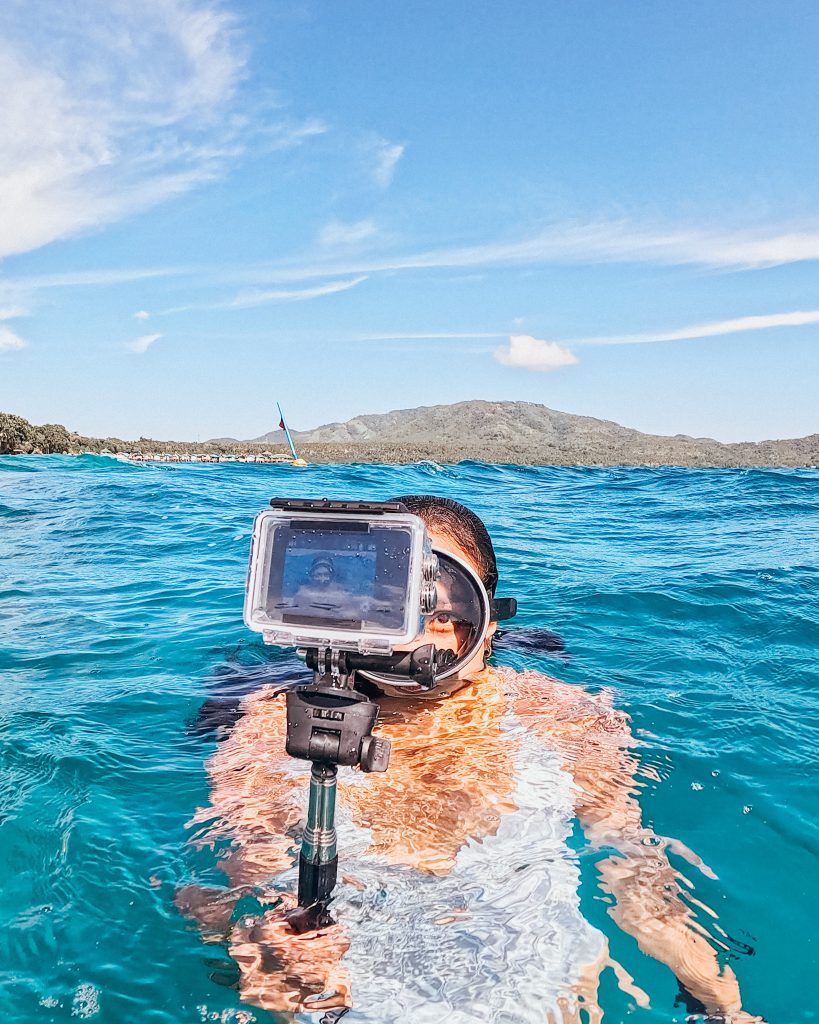
The DOMINATE itself isn’t waterproof without protection, so you’ll need to use the included waterproof case before taking it underwater.
This was easy enough to set up, and having the waterproof housing included in the travel bundle means you don’t need to purchase a separate underwater case just to start using the camera for water activities.
For recreational freediving, this is probably one of the first accessories I’d make sure to pack.
LUMOS DOMINATE for Surfing
Because apparently freediving wasn’t enough, I also brought the DOMINATE surfing in Dahican, Mati. I went out around 5 PM, which meant I was also able to see how the camera handled the later afternoon light.
Stabilization
The built-in stabilization is useful for this kind of casual adventure footage because you’re naturally going to have some movement when you’re walking, paddling, surfing, or simply holding the camera while moving around.
Unfortunately, the waves weren’t exactly cooperating that day. I was mostly floating around on the surfboard, paddling, and waiting for waves that never really became the exciting surf footage I had imagined.
Basically, I brought an action camera to an action sport and then gave it… very little action. 😂
Low-Light Photos
I also took a few photos around Dahican as the afternoon light started fading.
This isn’t exactly a dedicated low-light camera, so I wasn’t expecting nighttime-level performance. But I was pleasantly surprised that the photos remained usable as the light became softer.
LUMOS DOMINATE for Hiking
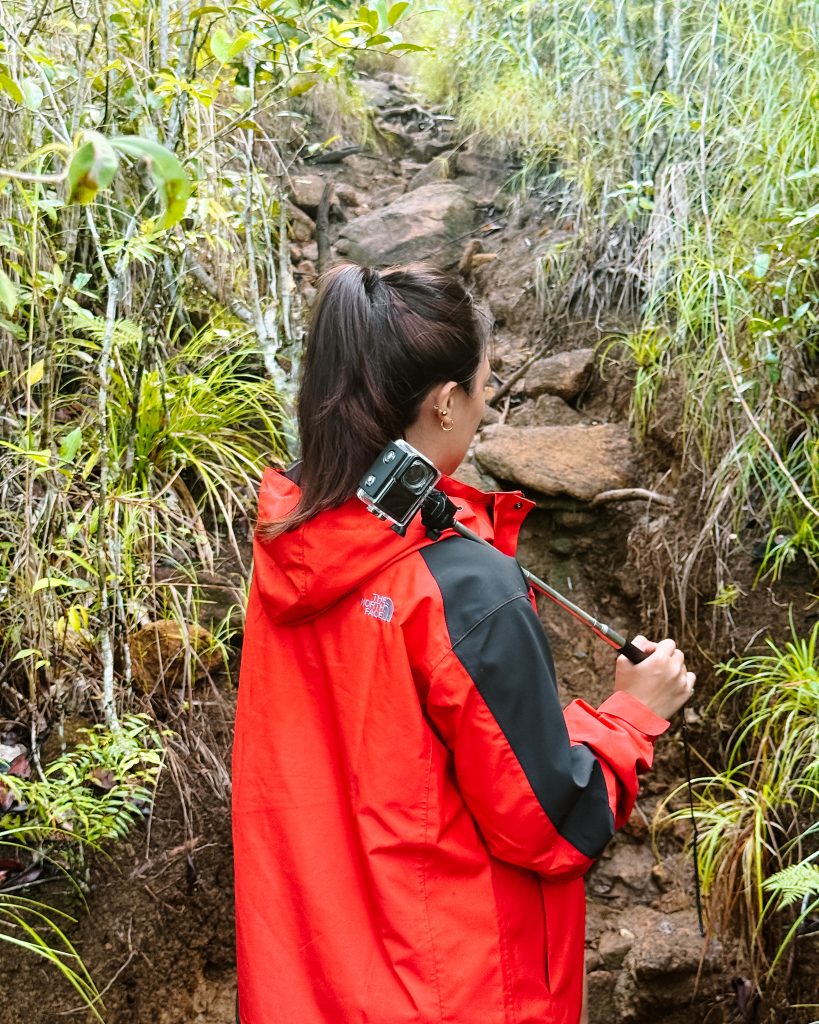
The following day, I took the LUMOS DOMINATE hiking at Dinagsaan Peak. This time, instead of focusing on video, I wanted to see how useful the camera could be for still photography.
The wide landscape at Dinagsaan Peak was a good setting for testing it because there was plenty of natural light and a lot of scenery to capture.
Normal Mode, 50MP Photo
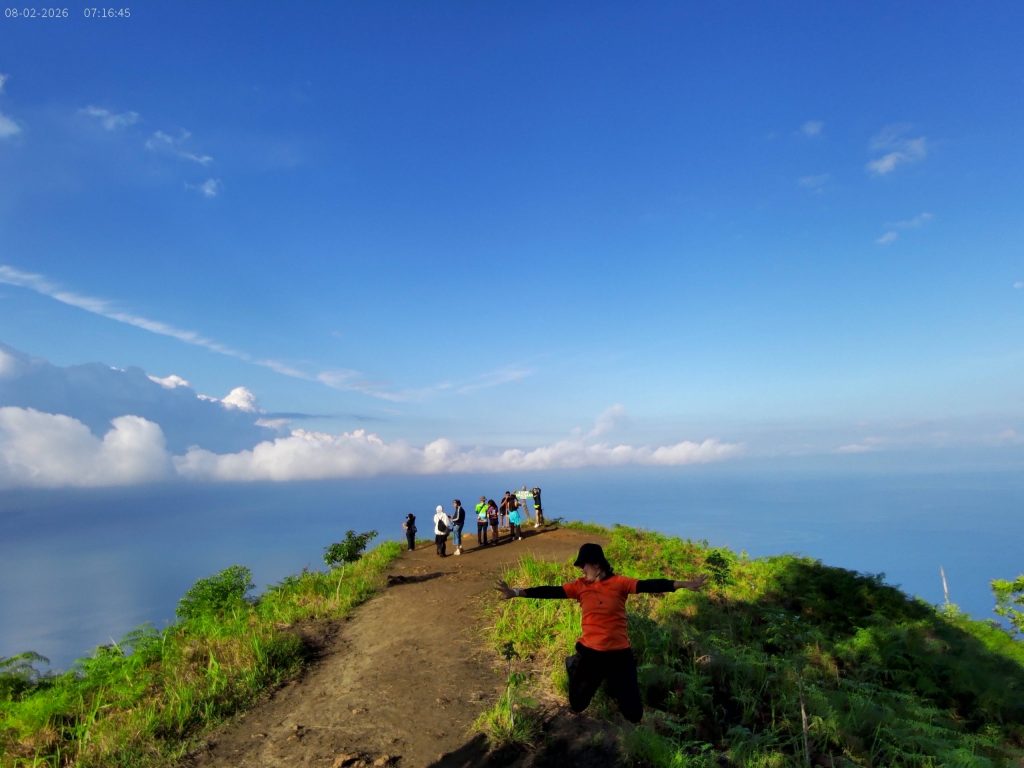
I used the LUMOS DOMINATE’s normal photo mode at 50MP. Well, I wouldn’t replace my dedicated camera with it for every type of photography. But for well-lit travel photos that I can actually use on my blog, the 50MP mode is surprisingly practical.
That’s important for me because my camera isn’t just for social media. A lot of the photos I take eventually end up in my travel guides, and I need images that can hold up when they’re displayed on a website.
Connecting the LUMOS DOMINATE to Your Phone for Fast Transfer
One of the features I found really useful is the ability to transfer photos and videos directly from the LUMOS DOMINATE action camera through Wi-Fi, allowing you to browse and download your files straight to your device.
This is especially handy when you’re traveling and want to quickly upload an Instagram story or short video without having to open your laptop.
How to connect LUMOS DOMINATE to your phone
1. Download the SupCam Pro app.
Install the SupCam Pro app on your phone. This is where you’ll be able to access and manage the photos and videos stored on your camera.
2. Connect your camera to the app.
Open the app and scan the QR code displayed on your LUMOS DOMINATE action camera. The app will then connect to the camera by joining the camera’s Wi-Fi network.
3. Access your photos and videos.
Once you’re connected, you can browse the photos and videos saved on your camera directly from your phone.
4. Download the files you want.
Select the photo or video you want to save and hit download. The file will automatically be saved in the SupCam Pro app’s local files as well as on your phone, so you can access it from your device and use it for editing or posting.
For me, this is one of those small features that make an action camera much more convenient for travel. You know, being able to go from shoot → transfer → edit → post directly from my phone makes the LUMOS DOMINATE feel more practical for everyday content creation.
What I Like About the LUMOS DOMINATE
After taking the camera through three very different activities, a few things stood out to me.
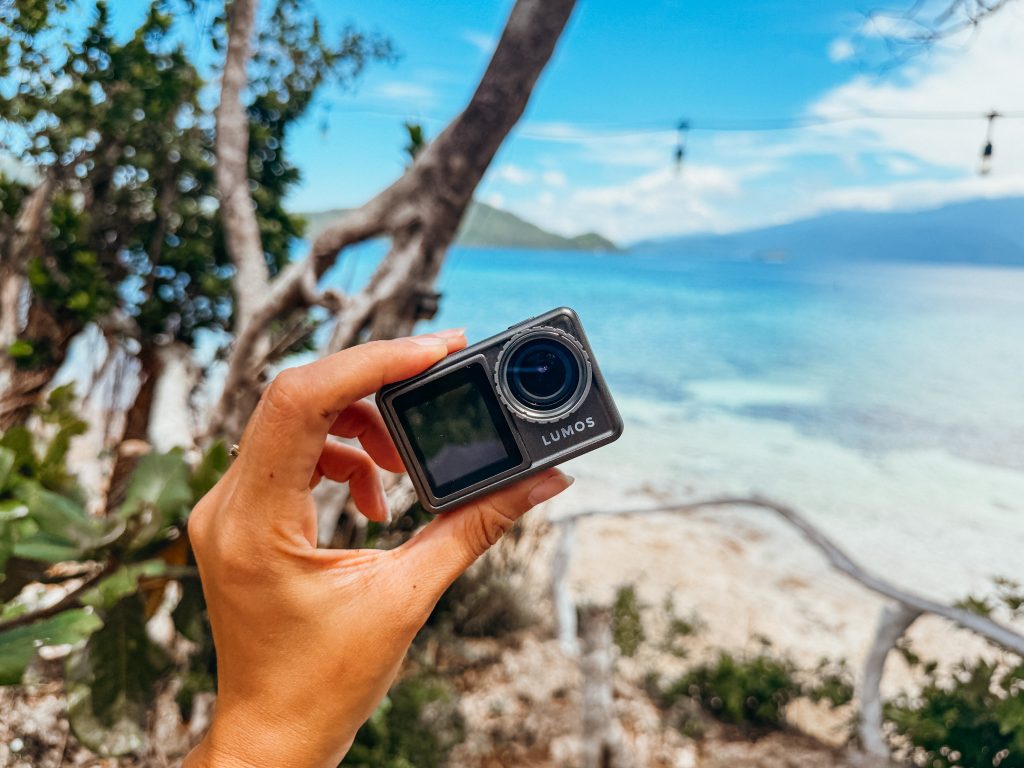
- It’s compact and easy to bring around. This is probably the simplest thing I like about LUMOS DOMINATE. It’s small, lightweight, and easy to throw into my bag.
- Vertical shooting. As someone who creates Instagram stories and video reels, I appreciate having a dedicated vertical shooting option. One thing to keep in mind, though, is that vertical video is limited to 2.7K at 30FPS.
- Easy file transfer. Being able to transfer my photos and videos directly to my phone is another big plus. I can connect the camera through Wi-Fi, browse the files, download what I need, and start editing or posting from my phone.
- 50MP photos are actually useful in good lighting. I didn’t expect to rely on the camera for still photos as much as I did. But when you’re shooting somewhere with plenty of natural light, I found the 50MP photo mode useful enough for my travel blog.
- The extra batteries are a big deal. When you’re out all day, having extra batteries is one of those things you appreciate more once you actually need them. I’d recommend getting the travel bundle if your budget allows to get the two rechargeable batteries.
Frequently Asked Questions About LUMOS DOMINATE
Is LUMOS DOMINATE a good affordable action camera?
I think it’s a good option to consider if you’re looking for your first action camera or something for casual and everyday adventures.
For ₱6,999, the DOMINATE offers features such as 5K video, 4K 60FPS, 48MP photos, EIS stabilization, a 170° wide-angle lens, dual screens, vertical shooting, and a waterproof case.
Rather than calling it the “best” affordable action camera, I’d say its biggest appeal is the amount of features you get without jumping straight into the higher price range of premium action cameras.
Can I use LUMOS DOMINATE underwater?
Yes, but you need to use the included waterproof case before taking it underwater. I personally brought the DOMINATE with me for recreational freediving and used it to capture underwater footage.
Just remember that the quality of your footage will still depend on the conditions of the dive, especially visibility and available light.
How much is the LUMOS DOMINATE action camera?
The LUMOS DOMINATE is currently listed at ₱6,999 for the camera only and ₱7,999 with a travel bundle on the official LUMOS PH website. Bundle pricing may vary depending on the current promotion.
What's included in the LUMOS DOMINATE travel bundle?
The travel bundle includes 16 items, including the DOMINATE action camera, waterproof case, hard carrying case, two rechargeable batteries, dual-battery charging dock, extension poles, mini tripod, wireless remote, USB-C cable, and various mounting accessories.
Does LUMOS DOMINATE have a warranty?
Yes. LUMOS PH lists the DOMINATE with a 1-year local warranty.
Can I shoot vertical videos with LUMOS DOMINATE?
Yes. The camera supports both horizontal 16:9 and vertical 9:16 shooting, which makes it useful for creating content for platforms like Instagram Reels, TikTok, and YouTube Shorts.
Where can I buy the LUMOS DOMINATE action camera?
The LUMOS DOMINATE is available directly through the official LUMOS PH website.
Does LUMOS DOMINATE ship within the Philippines?
Yes. LUMOS PH currently offers local shipping within the Philippines.
Can I transfer LUMOS DOMINATE photos and videos directly to my phone?
Yes. You can connect the camera to your phone through the SupCam Pro app using the camera’s Wi-Fi connection. Once connected, you can browse your files and download them directly to your device.
Is the LUMOS DOMINATE Worth It?
After taking the LUMOS DOMINATE on a weekend trip, I think it makes the most sense for a very specific kind of user. Of course, no camera is perfect, and I don’t think you should buy any camera based purely on its list of specifications.
The DOMINATE is best viewed within its price range and intended use.
If you’re a professional filmmaker or content creator who needs advanced features, or someone looking for the absolute best image quality from an action camera, you may want to look at higher-end options.
But if you’re looking for an affordable first action camera, something to bring on occasional trips, or simply an affordable way to document your everyday adventures, the LUMOS DOMINATE is really worth considering.
